
Quick Answer
To raise a desk, first check for built-in height adjustment. If the desk is fixed, compatible risers can lift the whole desk, while a desktop converter raises the keyboard and screen without changing the space underneath. Use a monitor arm when only the screen needs to move. For frequent sitting and standing, consider a height-adjustable desk that moves the entire work surface. Choose the option that fixes the actual height problem, then check its fit, load limits and stability.
Last Updated: Aug 17, 2026 | Author: William | Estimated Reading Time: 6 minutes
Check What Actually Needs to Be Higher
A low screen does not necessarily mean your desk is too low. Before buying anything, identify the part of the workstation that needs to change:
- The keyboard and mouse are too low: check their working height with your chair set for supported sitting.
- Your thighs contact the underside: inspect the clearance beneath the desktop, including drawers and rails.
- Only the screen is too low: adjust the monitor stand or use a compatible arm.
- You want to work standing up: check both seated and standing positions before choosing a converter or a new desk.
Use the seated desk-height measurement guide to establish your current fit. Record the existing desktop height and the change you need; do not choose a riser height simply because it is the most common size for sale.
Also inspect the desk’s original instructions. Some desks have adjustable legs, while small leveling feet are intended for leveling rather than a large height increase. Use only the adjustment range specified for that desk.
Raise the Desk Legs with Compatible Risers
Leg risers suit a fixed desk when you need one higher working position and want to retain the existing desktop. They lift the desk itself, including its underside and the equipment resting on it.
OSHA’s desk guidance identifies stable risers under desk legs as one way to raise a low work surface. That guidance does not establish that every riser fits every desk.
Check the supports, not just the added height
Look beneath the desk before selecting a product. Four individual legs, wide sled feet and continuous side panels have different support shapes. A small cup designed for a narrow furniture leg is not automatically suitable for a long desk foot or a panel base.
Check these details against the desk and riser instructions:
- Contact shape: each supported foot must fit the intended supporting surface.
- Load rating: establish whether the stated limit applies to one riser or the complete set, and account for the desk and its equipment.
- Installed height: use the actual height gained once the foot is seated, rather than assuming the riser’s outside dimension is the increase.
- Floor contact: all intended supports must bear properly on the floor without rocking or slipping.
A level desktop is only one check. It does not prove that the supports cannot shift or that the assembly is suitable for the load. Do not use loose stacks of books or improvised layers as a substitute for a compatible support arrangement.
Remove equipment before repositioning the desk and follow the installation instructions. Once installed, check that the supports remain seated and that normal typing does not produce new rocking or movement. If it does, stop using that arrangement and resolve the fit problem rather than adding another layer underneath.
Risers create a higher fixed position. They are not a practical way to switch between sitting and standing throughout the day.
Use a Desktop Converter When You Want to Keep the Desk
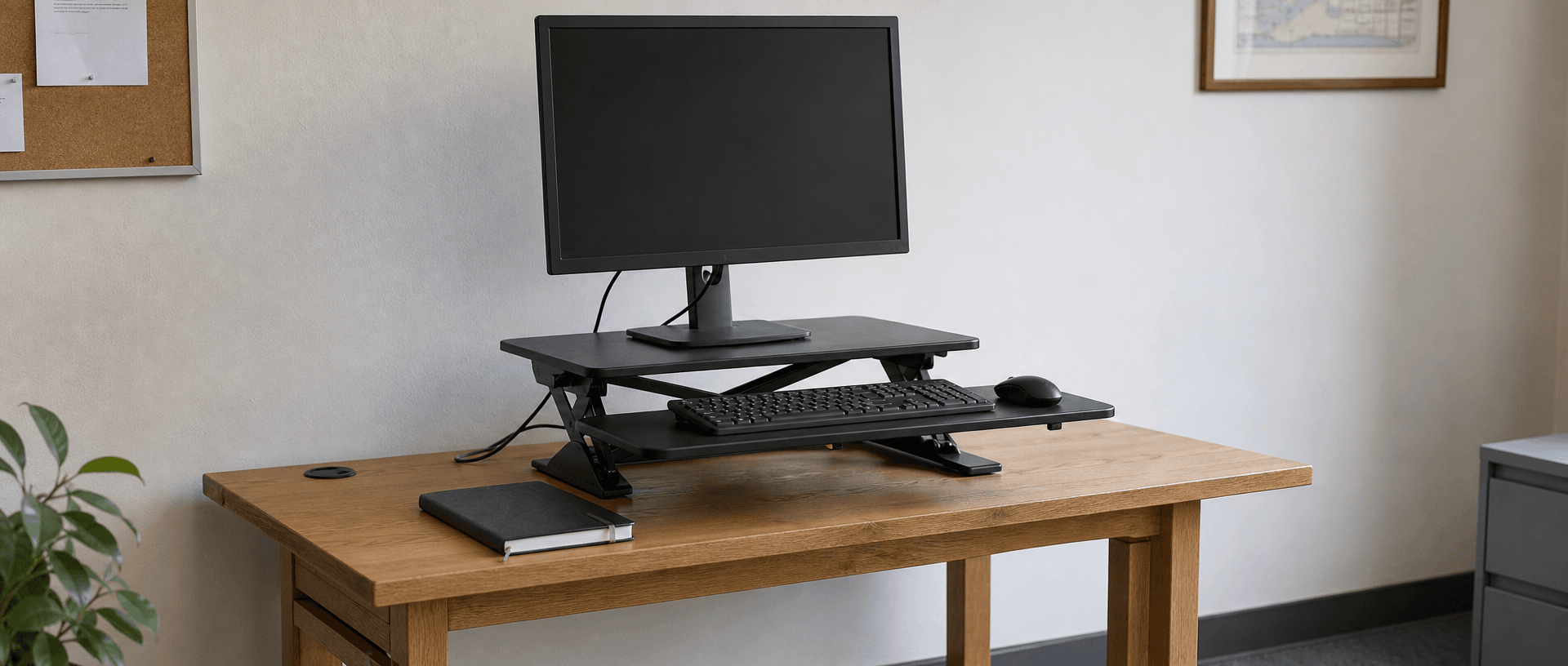
A desktop converter sits on the existing desk and raises the equipment on its platform. A model with a keyboard tray can provide a separate surface for the keyboard and mouse while the monitor occupies the upper platform.
This is useful when you want an adjustable computer setup without replacing the whole desk. However, it leaves the original desk underside where it was. If your thighs are already touching a drawer or support rail, a converter does not solve that clearance problem.
Check the lowest position first
Before focusing on maximum standing height, find the keyboard tray’s height at the converter’s lowest setting. On designs where the tray stays above the original desktop, it adds height even while you are seated. Other designs differ, so use the actual product dimensions.
Check whether that lowest position works with your seated setup. A converter that reaches your standing height but leaves the keyboard too high when lowered is a poor fit for regular sitting and standing.
Then check:
- The base fits the desk within the manufacturer’s placement requirements.
- The keyboard and mouse have usable space together.
- The monitor can remain at a comfortable viewing distance.
- The desktop can support the converter plus the equipment, and each converter platform stays within its own load limit.
- Cables reach through the full movement without pulling on connectors.
A converter can be a lasting solution if those checks pass. Replacing it with a full desk becomes more compelling when you also need writing space, documents or other equipment to move with you.
Adjust the Monitor Separately
Set the keyboard and mouse position first, then adjust the screen for that working position. A compatible monitor arm lets you change screen height without raising the entire desk.
OSHA’s monitor guidance recommends placing the screen directly in front of you, with the top line at or below eye level. Adjust for your actual viewing needs rather than raising the display simply to make the setup look taller.
Before fitting an arm, check the monitor’s mounting pattern and weight, the arm’s supported range, and the desktop’s suitability for the specified clamp or grommet mount. Follow both the arm and desk instructions for the mounting location.
With a converter, confirm where the arm is allowed to attach. An arm fixed to the original desk will not automatically rise with a converter above it; an arm attached to the converter needs explicit support for that mounting arrangement.
Screen adjustment complements a desk-height change. It cannot raise your keyboard, provide more thigh clearance, or make an unstable desk secure.
When a Height-Adjustable Desk Makes More Sense
Choose a height-adjustable desk when the whole work surface needs to change height regularly. That includes switching between sitting and standing, sharing a workstation with people who need different settings, or moving between computer work and tasks spread across the desktop.
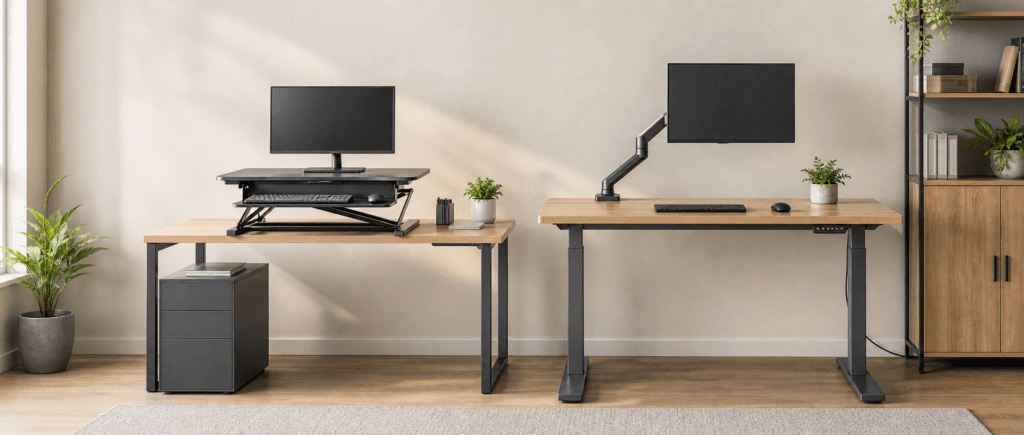
The distinction is what moves: a converter lifts its platforms, while an adjustable desk moves the full worktop. Your keyboard, writing area and equipment can stay on the same surface as the height changes.
Before replacing the desk, check the finished desktop’s minimum and maximum heights against your working positions. Include desktop thickness if the supplied range describes the frame alone. Also review usable surface size, the stated load definition, and clearance for cables and nearby furniture throughout the travel.
For an office project, compare commercial sit-stand desk options using those requirements. Give the supplier the desktop dimensions, equipment list and required working heights so the proposed configuration can be checked against the actual workstations.
Replacement is worthwhile when adjustment solves a recurring need. If a compatible riser arrangement gives you the single fixed height you need, there is no reason to replace the desk solely because it is not electric.
Compare the Options Before You Change Your Desk
| Option | What it raises | What it leaves unchanged | Main check before choosing |
|---|---|---|---|
| Built-in leg adjustment | The desk, within its designed range | The desk’s size and layout | Manufacturer’s adjustment and locking instructions |
| Compatible leg risers | The whole desk to a higher fixed position | Its fixed-height operation | Foot fit, load definition and stable support |
| Desktop converter | Equipment on its platforms | Original under-desk clearance | Lowest seated keyboard position and platform space |
| Monitor arm | The screen | Keyboard height and leg clearance | Monitor compatibility and approved mounting surface |
| Height-adjustable desk | The full worktop through its adjustment range | The need to set the monitor correctly | Finished height range, equipment load and travel clearance |
Before ordering, write down three things: what needs to move, how far it needs to move, and whether the adjustment is occasional or part of your daily work. Those answers will help you choose between a simple height correction and a workstation designed to change with you.