
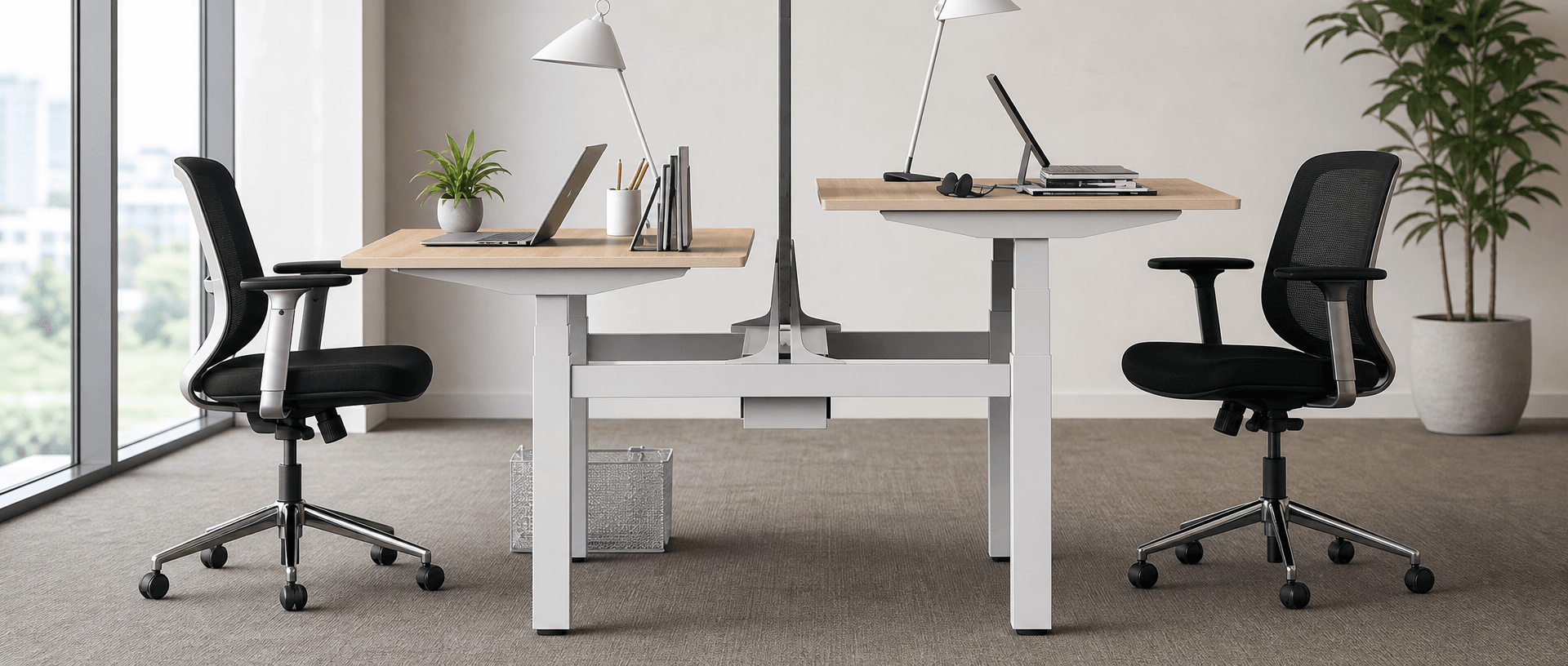
Quick Answer
The common standard desk height for fixed office desks in the United States is 28–30 inches (711.2–762 mm), measured from the floor to the top of the desktop. Use this range as a starting point. Your seated elbow height, keyboard position and foot support determine whether a desk fits. If a fixed desk cannot accommodate those together, consider a height-adjustable desk with a suitable minimum height.
Last Updated: September 15, 2026 | Author: William | Estimated Reading Time: 7 minutes
What Is the Standard Desk Height?
For a regular seated office desk, 28–30 inches is a common US reference range. The phrase “standard desk height” describes common furniture dimensions here; it does not mean that one height fits every person or satisfies every workplace requirement.
Use the following conversions when comparing specifications in inches and millimetres:
| Desk height in inches | Desk height in mm | Comparison note |
|---|---|---|
| 28 inches | 711.2 mm | Lower end of the common US range |
| 29 inches | 736.6 mm | Between 28 and 30 inches |
| About 29.5 inches | 750 mm | Not exactly 30 inches |
| 30 inches | 762 mm | Upper end of the common US range |
One inch equals 25.4 mm. A 750 mm desktop is therefore 12 mm lower than a 30-inch desktop. Keep the supplier’s original dimension in the specification instead of replacing it with a rounded conversion.
For an office purchase, “750 mm high” answers only the furniture measurement question. It does not tell you whether someone can reach the keyboard with relaxed shoulders and supported feet.
Measure the Desktop, Not Just the Frame
Measure the desk on its installed floor, with its feet or levellers in their intended position. Record three different reference points:
- Finished desktop height: the vertical distance from the floor to the top surface of the desk.
- Keyboard input height: the distance from the floor to the keys where your fingers work. A keyboard on the desktop raises the input surface above the desktop; a keyboard tray can place it below.
- Usable clearance underneath: the space available for your thighs, knees and feet, including restrictions from drawers, frame rails and accessories.
These measurements answer different questions. A desk can have an acceptable top height while a deep drawer limits thigh clearance. A thick keyboard can also leave your hands too high even when the desktop looks correctly positioned.
How Desktop Thickness Changes Finished Height
Check whether the quoted height includes the desktop. If the specification measures from the floor to the surface supporting the board and excludes the board itself:
Finished desktop height = frame support height + desktop thickness.
For example, a hypothetical frame support height of 700 mm with a 25 mm desktop gives a finished height of 725 mm (about 28.5 inches). This is a calculation example, not a product specification.
Do not add desktop thickness again when the supplier already quotes the complete desk height. Ask for a dimensioned drawing if the measurement reference is unclear, especially when comparing a bare frame with a complete workstation.
Check Your Seated Fit Before Choosing a Height
Set up the chair and input devices you will actually use. A body-height calculator can provide an estimate, but it cannot account for your chair, body proportions, keyboard thickness or desk underside.
Start with the chair and feet. Sit back with your back supported. Adjust the seat so your feet rest securely on the floor or a suitable footrest. Avoid choosing a chair position solely to reach a high desk while leaving your feet unsupported.
Find your relaxed elbow position. Let your shoulders relax and keep your upper arms close to your sides. Bend your elbows into a comfortable working position, with your forearms roughly parallel to the floor. Measure from the floor to the underside of your elbow as an initial reference, then check the actual typing position.
OSHA’s good working positions guidance describes relaxed shoulders, elbows close to the body at approximately 90–120 degrees, aligned hands and forearms, and supported feet. The aim is a workable range of positions, not holding one exact angle throughout the day.
Check the keyboard and mouse together. Place both within comfortable reach. Type and use the mouse: your shoulders should remain relaxed, and your wrists should stay aligned with your forearms rather than bending upward to reach the keys. Adjust the desktop or input surface to that position. Do not automatically set the desktop at elbow height without allowing for the keyboard above it.
Check underneath while working. Make sure your thighs are not pressed against the underside and your knees and feet have room to move. Pull the chair into a normal working position; reaching forward to avoid a drawer or crossbar does not resolve the fit problem.
If matching the keyboard to your elbows requires raising the chair, recheck foot support and thigh clearance. When those adjustments cannot work together, the desk or input surface needs to change.
When a Height-Adjustable Desk Makes Sense
A height-adjustable desk makes sense when a fixed desktop prevents you from combining a suitable keyboard height, relaxed shoulders and supported feet. It also allows different users of a shared workstation to adjust the surface instead of inheriting one fixed height.
Choose the correction that addresses the actual mismatch:
| What you find | Practical option | Check before choosing it |
|---|---|---|
| The desk is too high, but raising the chair aligns your hands with the keyboard | Adjust the chair and add a footrest if needed | Feet remain supported; thighs still clear the underside |
| The desktop is too high for typing, while its height suits other tasks | Fit a compatible adjustable keyboard tray | It supports both keyboard and mouse, provides enough range and preserves leg clearance |
| One person uses the desk and a suitable fixed height is known | Choose a fixed desk that matches the measured setup | Confirm finished height with the actual desktop and keyboard |
| Users need different heights, or fixed-desk adjustments cannot achieve a workable fit | Choose a height-adjustable desk | Its finished height range accommodates the intended users and equipment |
These options follow the adjustment principles in OSHA’s desk and work-surface guidance, which includes height-adjustable desks and raising the chair with foot support when a desk cannot be lowered.
For a shared office or a larger workstation rollout, compare commercial sit stand desk options using the seated measurements collected from intended users. Check a sample workstation with the proposed chair, desktop and input devices before committing to a repeated configuration.
Check the Lowest Finished Desktop Height
An adjustable desk can still be too high at its lowest setting. Check its minimum finished desktop height, including the selected board, rather than relying on the word “adjustable” or comparing only maximum heights.
As a hypothetical fit check, suppose a user’s tested setup needs a desktop at 680 mm (about 26.8 inches), allowing for their keyboard. A desk whose finished minimum is 710 mm (about 28 inches) cannot reach that position. Its ability to rise for standing does not solve that seated mismatch.
Also check frame rails, trays and drawers at the lowest usable setting. If standing use is required, verify the upper end of the range separately with the intended user and equipment. A suitable seated minimum alone does not establish standing fit.
A Desk-Height Fit Checklist for Office Workstations
Use one record per person and setup. For a shared desk, keep separate fit results for the intended users. Record measurements in one unit consistently and add conversions only where needed for purchasing.
| Check | Record for this workstation |
|---|---|
| Workstation and user code | __ |
| Chair model and adjusted seat height | _ mm / _ inches |
| Seated elbow reference height | _ mm / _ inches |
| Keyboard and mouse configuration | __ |
| Comfortable input-surface height, checked while typing | _ mm / _ inches |
| Required desktop height with this keyboard | _ mm / _ inches |
| Actual finished desktop height | _ mm / _ inches |
| Desktop thickness; included in quoted height? | _ mm / _ inches; Yes / No / Unclear |
| Adjustable desk’s finished minimum and maximum, if applicable | _ to mm / to _ inches |
| Feet supported on floor or footrest? | Yes / No; adjustment: __ |
| Thigh, knee and foot clearance during use? | Clear / Restricted; location: __ |
| Shoulders relaxed and wrists aligned during keyboard and mouse use? | Yes / No; adjustment: __ |
| Fit result and next action | Fits / Adjust and recheck / Different configuration required |
For procurement, send the measured desktop requirement, board thickness and any clearance restrictions with the workstation specification. Ask the supplier to confirm the finished dimensions of the proposed configuration. Recheck the assembled sample before using it as the reference for the rest of the office.
Frequently Asked Questions
Is a 30-inch desk too high?
A 30-inch desk is 762 mm high and sits at the upper end of the common US fixed-desk range. It is too high for your setup if you must raise your shoulders to type or cannot achieve a comfortable input position with supported feet and adequate leg clearance. Check those conditions before deciding to replace it.
Is 750 mm the same as 30 inches?
No. 750 mm is approximately 29.5 inches; 30 inches is exactly 762 mm. When an order requires 750 mm, retain that dimension on the drawing rather than treating a rounded 30-inch description as an exact match.
Does a desk-height specification include the desktop?
That depends on the product and the drawing’s reference points. A complete desk specification can include the desktop, while a frame listing can exclude it. Request confirmation of the floor-to-top dimension for the selected desktop, including the minimum and maximum finished heights for an adjustable desk.